

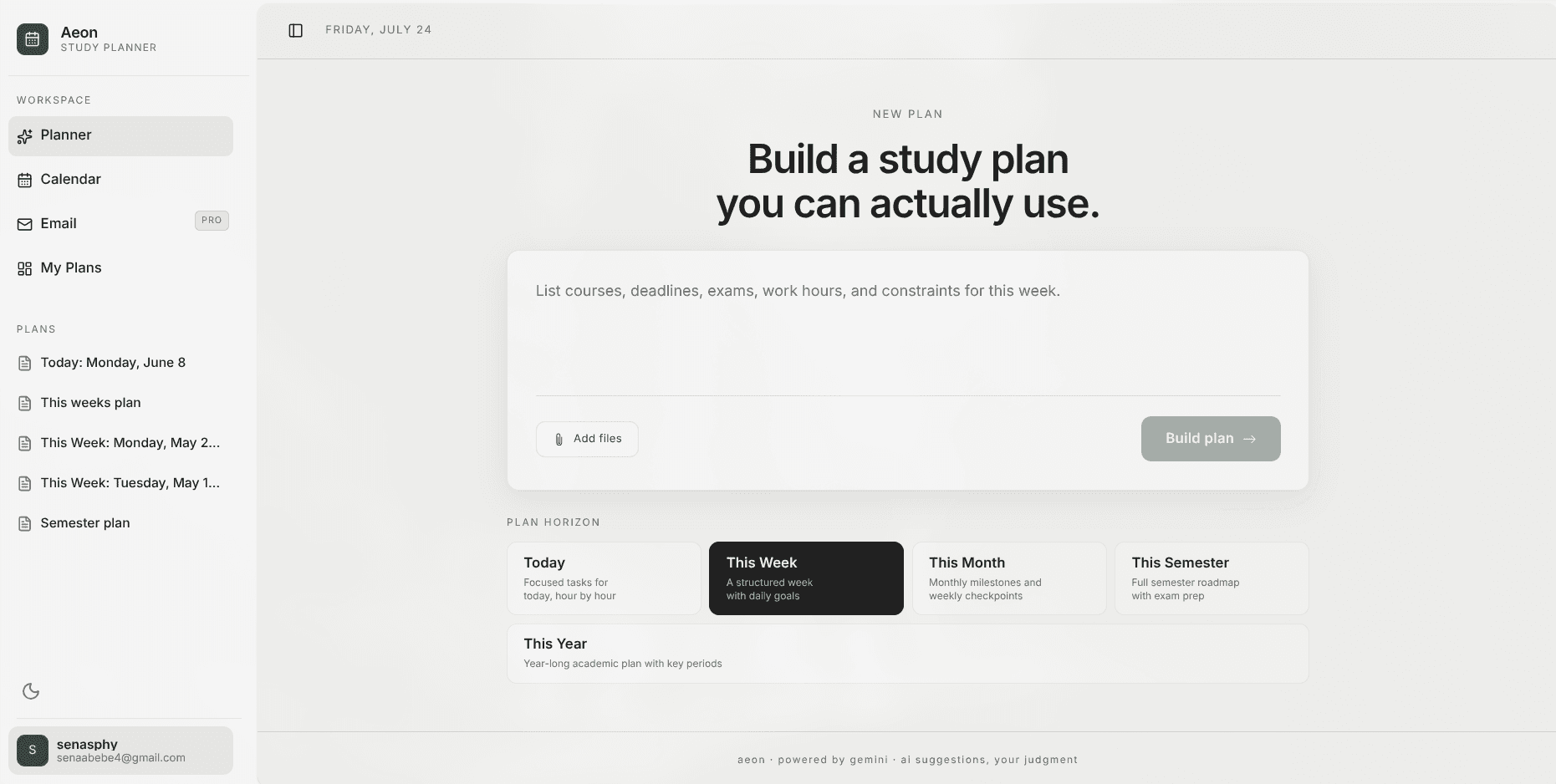
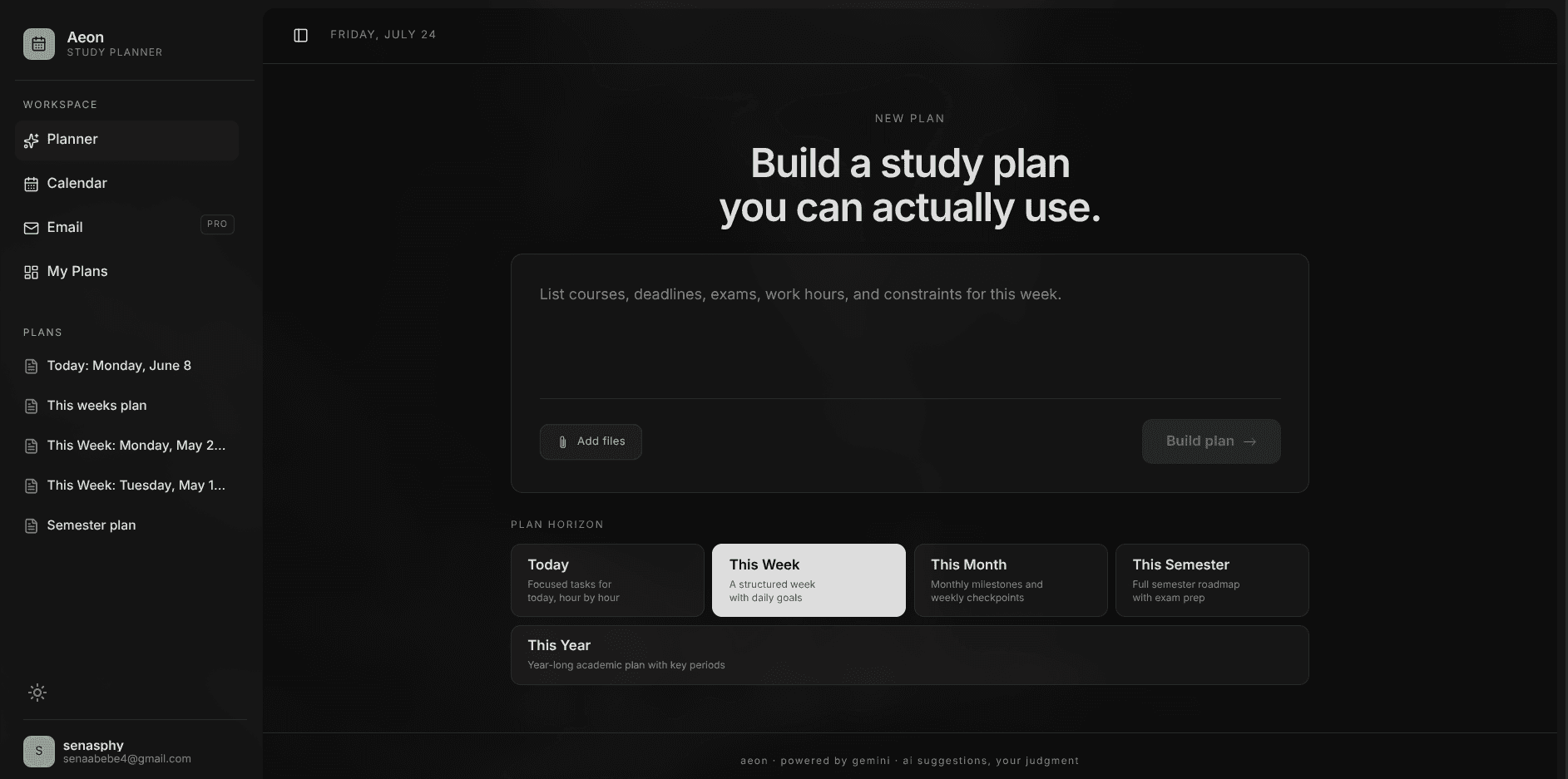
Student Organization,
Reimagined.

Turn deadlines, syllabi, screenshots, and quick prompts into plans that feel considered instead of thrown together.

Features

Built for how college life actually works.

Drop in your syllabi on day one, let Aeon plan your study sessions around your real schedule, and see your whole semester laid out—no cramming, no guesswork.

Drop your syllabus, we handle the rest

Upload a PDF syllabus, snap a photo of the outline, or drop in lecture notes. Aeon finds every test, assignment, and quiz date—even how much each one counts toward your grade—so nothing ever sneaks up on you.

PromptSyllabusNotesDeadlinesTests
Syllabus preview
SAVED COURSECS 201 · Data Structures
Midterms 25%Final 35%Labs 20%Homework 20%

Study sessions that fit your real schedule

Telling yourself to “just study” doesn't work. Aeon looks at when your classes meet, when you sleep, and when exams are due, then carves out realistic 90-minute study blocks ahead of time—so you never have to pull an all-nighter.

Study Routine
Fits around classes · Sleep protected
WAKE8:00 AM
SLEEP11:00 PM
BLOCKS90 min
BREAKSBuilt-in
CS 201Midterm Prep: Practice Problems

Scheduled right between your morning lecture and lunch break.

90m block
Tomorrow · 10:00 AM – 11:30 AM On your schedule
CS 201Lab 4: Coding Session

Tackled 2 days before it's due so you're not rushing at midnight.

Easy to move
Thursday · 2:00 PM – 3:30 PMOpen time slot

All your classes in one clean dashboard

Stop digging through five different course portals. See what every class demands at a glance, check how much upcoming tests count toward your grade, and easily move or resize study sessions when plans change.

CS 201

Data Structures & Algorithms

Fall 2026 · Prof. Miller · Office Hours: Tue 2:00–4:00 PM

3 Upcoming
WHAT COUNTS TOWARD YOUR GRADE100% TOTAL
Final 35% Midterms 25% Labs 20% Homework 20%
Next: Midterm Exam (Counts 25% of grade)
Oct 24
STUDY BLOCKThu 2:00 PM (90m)
Tap to reschedule

Your calendar, down to the hour

Switch between your month, week, or an hourly view of your day. Tap any open hour to add study time, check off tasks as you finish them, and watch everything stay in sync with Google Calendar automatically.

MonthWeekDayAgenda
Google Calendar connected
09:00
CS 201: Lecture
Class
10:30
Midterm Prep: Practice Problems
Done · 90m
13:00
+ Tap to add study session...1-Click

Never miss a surprise deadline change

When a professor emails saying an assignment is postponed or office hours moved, you don't have to scramble to update your calendar. Aeon catches the change in your inbox and updates your plan with one tap.

Prof. Miller2m ago
Midterm pushed back to Friday
TA, CS2011h ago
Lab 4 due date extended by 48h
Academic AffairsYesterday
Final exam schedule published

Plan for today or the entire semester

Zoom in to focus on a 90-minute study block between morning classes, or zoom out to see how your entire finals week looks. When deadlines shift or plans change, your schedule adjusts without breaking your momentum.

Year
Semester
Month
Week
Day

This week

A balanced week that still feels human.

  • MonWarm-up and planning.
  • WedMain assignment push.
  • FriReview and cleanup.

Currently free to try.

Aeon is in active development. Jump straight into our free trial to organize your semester, parse syllabi, and sync schedules with zero commitment. Plus, the Aeon mobile app is on the way.

Free TrialNo credit card required

Try Aeon for free

Experience full access to syllabus extraction, smart study scheduling, and Google Calendar sync throughout your free trial.

  • Drop in any syllabus PDF or image to extract test dates and grade weights
  • Smart study sessions scheduled around your classes, sleep, and free time
  • One clean dashboard for every enrolled course, grade weight, and office hour
  • Hourly day-by-day planner that syncs seamlessly with Google Calendar
  • Flexible views that zoom from today's study block to your entire semester
  • Gmail connection that catches postponed exams and deadline extensions
Coming SooniOS & Android

Aeon Mobile App

We are building the companion mobile app so you can take your semester schedule, reminders, and syllabus captures wherever you go.

  • Quick-capture syllabi and assignment handouts with your camera
  • Morning agenda notifications and smart upcoming deadline alerts
  • Real-time sync between your phone, desktop workspace, and calendar
  • Quick widget to check off tasks between classes
  • Seamless cross-platform integration with your account
Mobile companion in development. Designed to keep your schedule within reach wherever you study.

Got questions? We have answers.

Everything you need to know about Aeon and how it can help you stay organized.

Ready when your deadlines are.

Turn syllabi, screenshots, and quick prompts into plans you can save, edit, and sync. Free to start.